
VentraCloud Video Telematics for Fleet Dashcam and Multi-Camera Systems
Cloud Video Access for Fleet Dashcam and Multi-Camera Systems
VentraCloud is Ventra Technology’s vehicle video telematics platform for commercial fleets using connected dashcams and multi-camera vehicle NVR systems. It combines remote access to live and recorded vehicle video with GPS history, event footage, images, and vehicle activity.
Fleet, safety, operations, and claims teams can use VentraCloud to investigate accidents, retrieve video evidence, review driver events, verify deliveries and route activity, resolve cargo or customer disputes, and monitor vehicles across roads, yards, terminals, and job sites.
See More Around the Vehicle. Know More Across the Fleet
A forward-facing dashcam can show road context, but many fleet incidents happen around the side, rear, cargo area, passenger area, work zone, or loading dock. VentraCloud supports multi-camera workflows using compatible dashcams, NVRs, and vehicle recorders to give teams broader visibility around the vehicle and its operation.
Drivers can gain better visibility around the vehicle with properly configured camera systems, while fleet managers gain broader operational context through VentraCloud. Together, that added visibility can help reduce blind spots, improve communication, speed up incident review, and support safer, more efficient fleet operations.
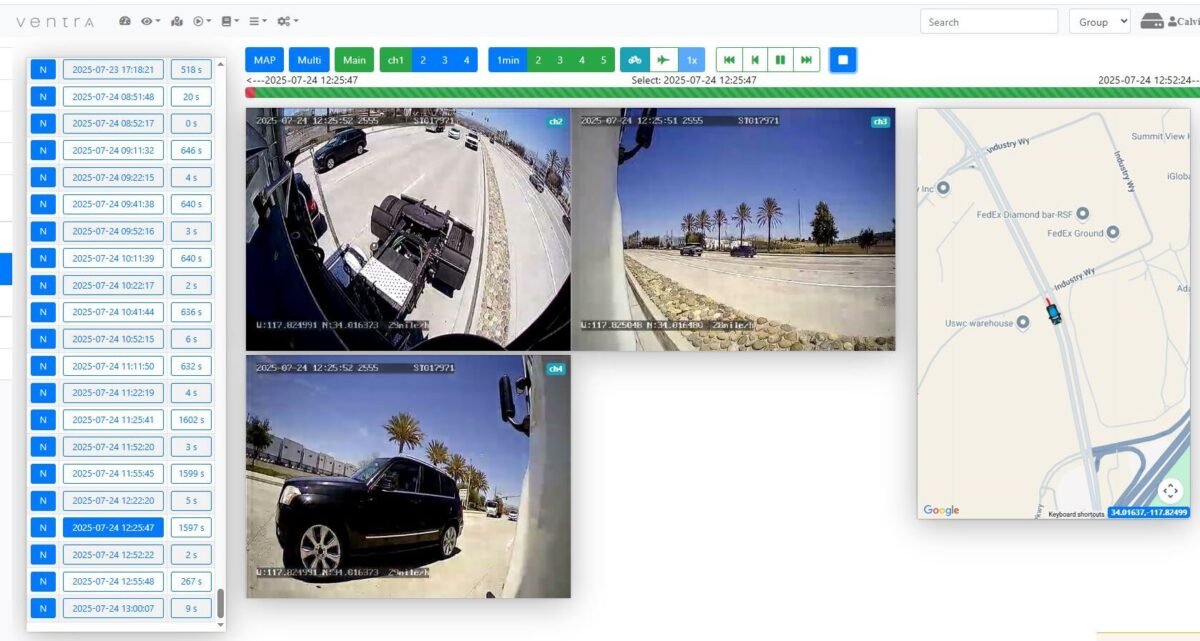
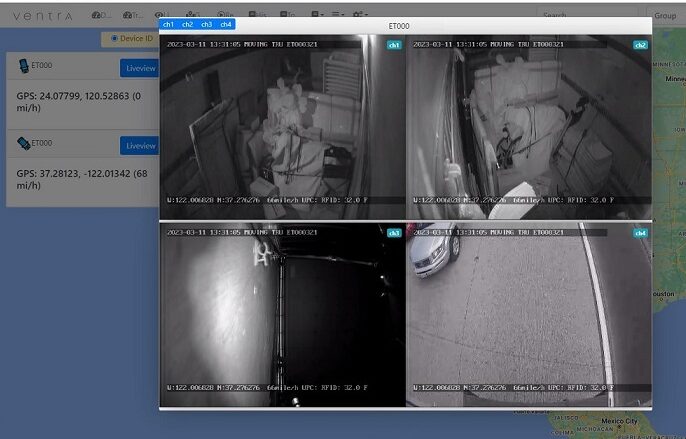
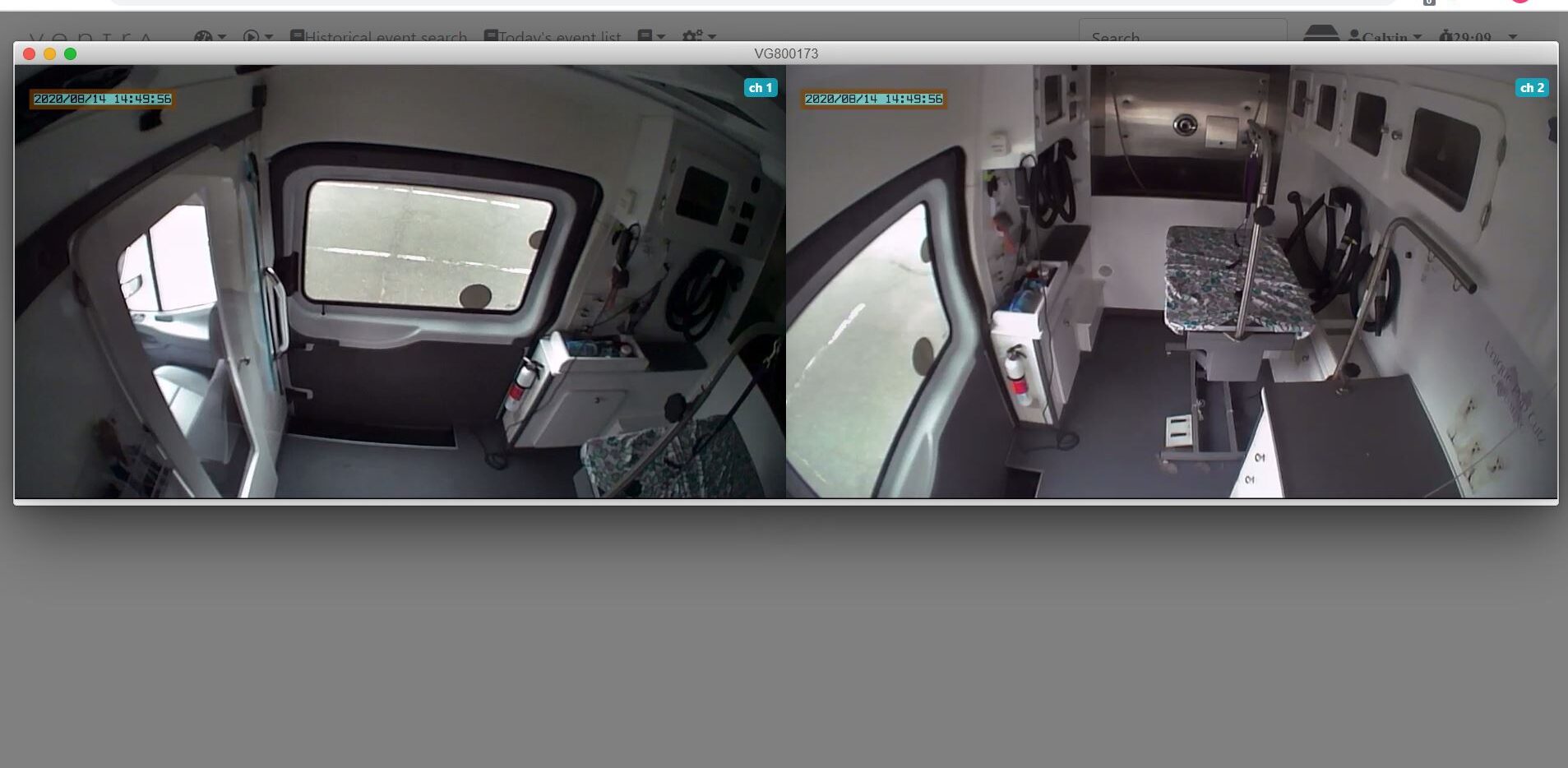
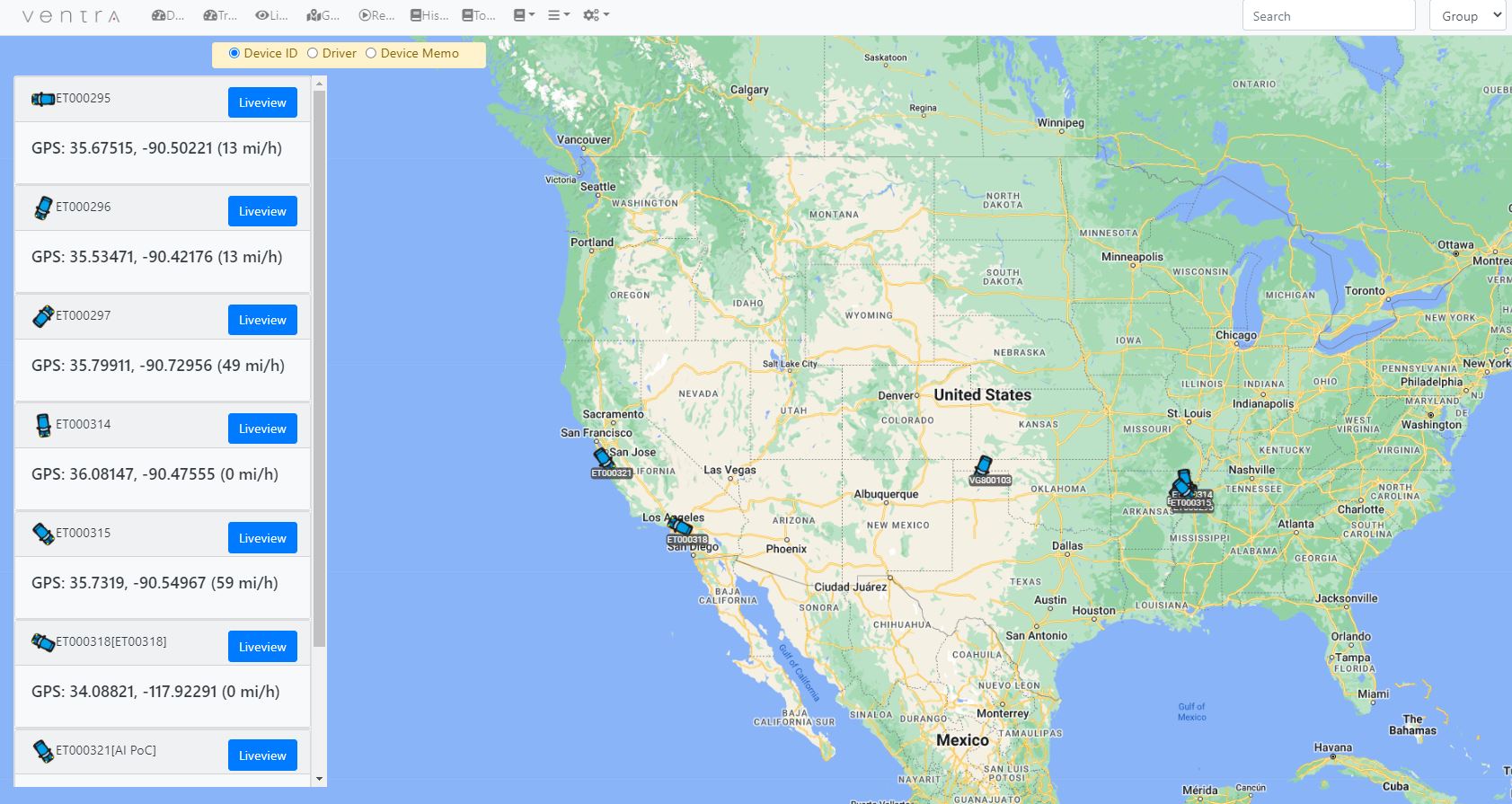
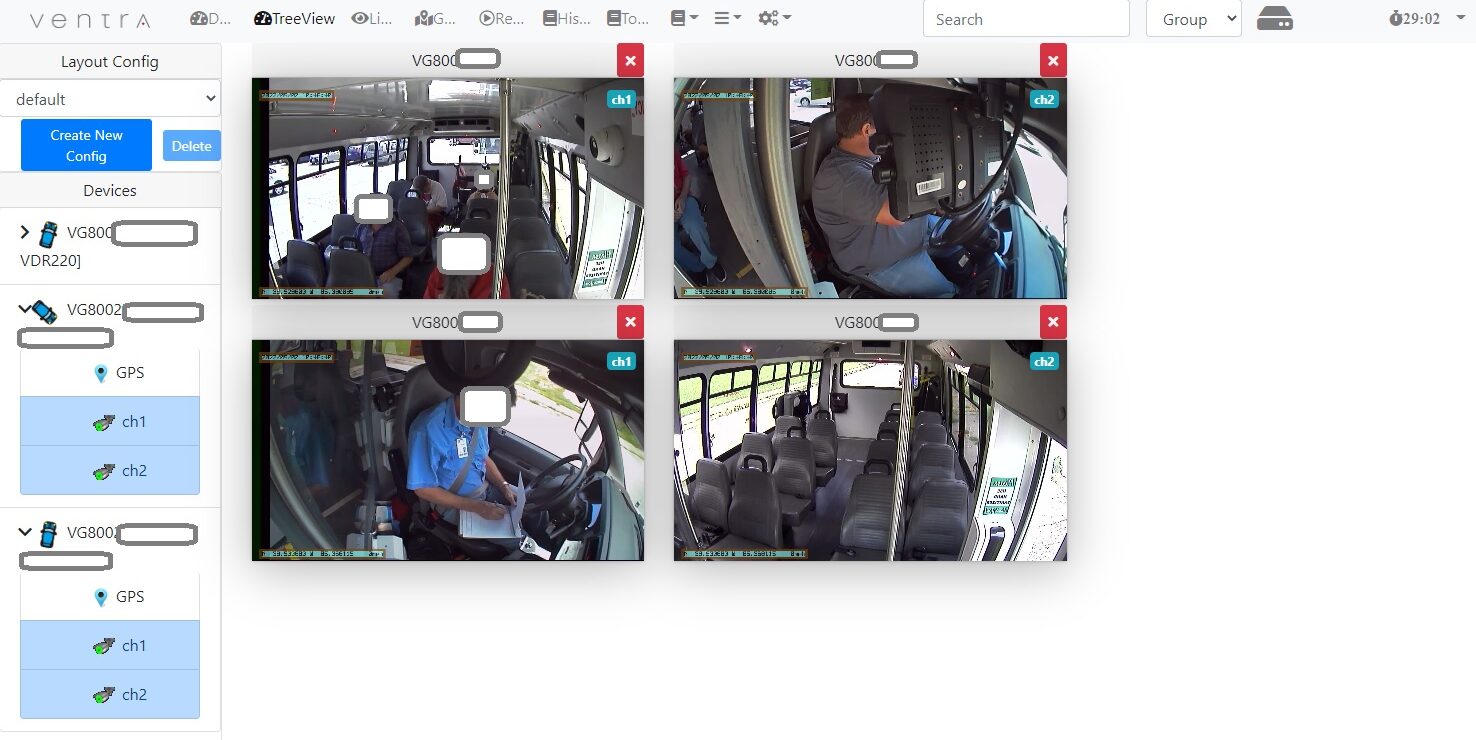
KNOW - Who, What, Where and How
VentraCloud gives fleet teams a centralized way to review fleet activity, compare camera views, and access supporting context without relying on separate systems or manual information gathering. This can help reduce data silos, improve communication across safety, operations, and claims teams, and speed up incident review, documentation, and decision-making.
How Fleets Use VentraCloud
Incident and Claims Review
Cargo and Delivery Visibility
Driver Coaching and Safety Review
Quickly review incidents, side impacts, backing events, customer complaints, and disputed claims with supporting video and vehicle context. Faster access to relevant evidence can help reduce investigation time, improve claims documentation, and support more informed decisions.
Review cargo activity, loading and unloading, delivery handoffs, route stops, and reported missing or damaged items. Better visibility can help teams resolve disputes faster, improve accountability, and reduce time spent reconstructing what happened.
Use recorded events and supporting context to review driving behavior, support coaching discussions, and document safety concerns. A clearer view of each event can help improve communication with drivers and reinforce consistent safety practices.
VentraCloud Advantage
VentraCloud extends compatible Ventra dashcam, NVR, and vehicle recorder systems with centralized remote access and cloud-based review workflows. Rather than relying on separate tools, locally retrieved recordings, or fragmented information, fleet teams can bring relevant operational context into one workflow.
This can help reduce data silos, improve communication between departments, shorten incident and claims review, and reduce administrative effort. Fleets can also deploy cloud service selectively based on operational need, helping control recurring costs while maintaining local recording where appropriate.

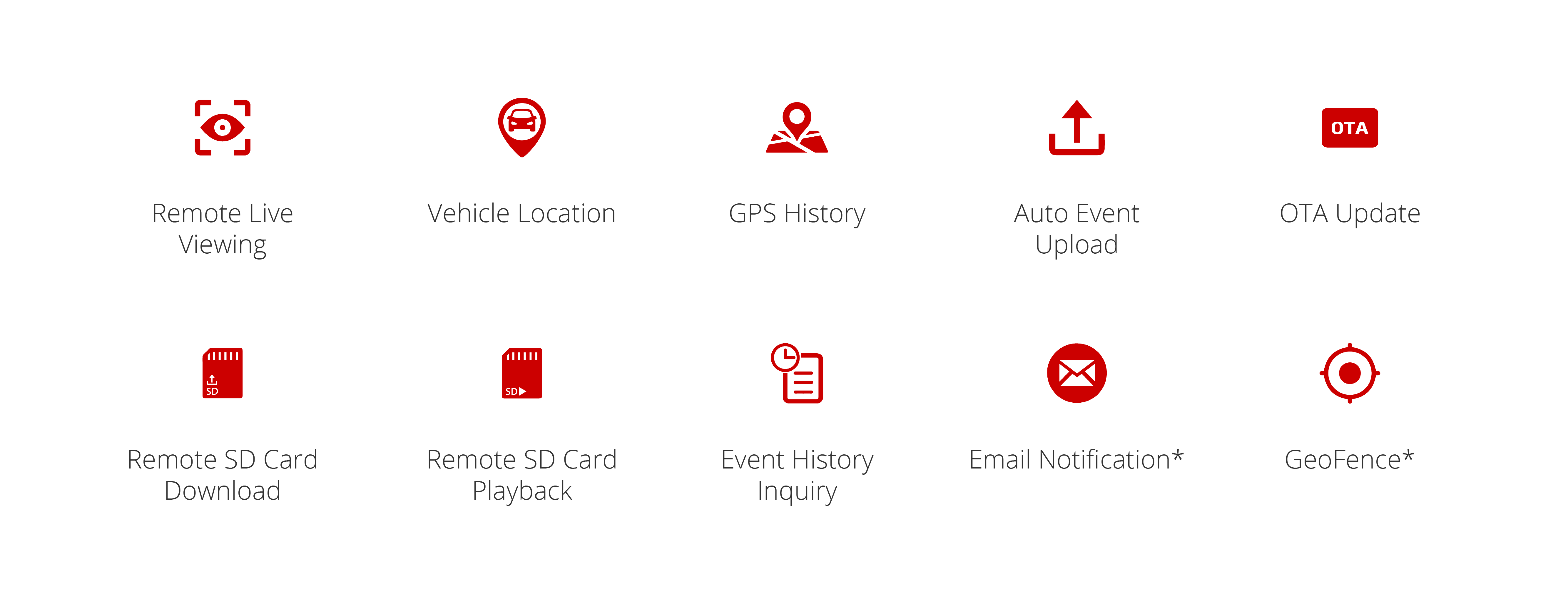
Cloud Features
VentraCloud helps fleet teams move from scattered information to a more connected review process, making it easier to respond to incidents, coordinate across departments, and act on operational issues without unnecessary delays.
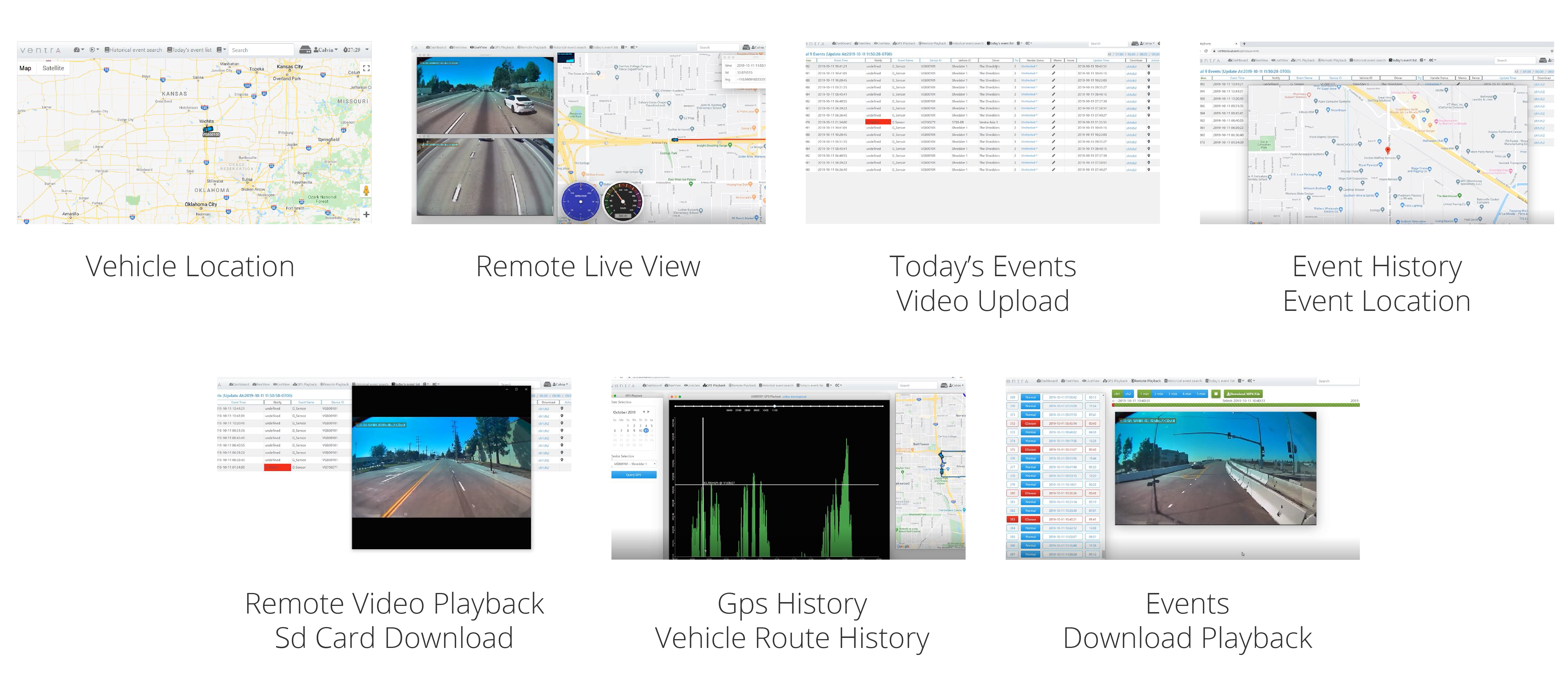
BENEFITS
Turn fleet video and operational context into faster decisions, better coordination, and more efficient incident response.
- Reduce investigation time by giving teams faster access to relevant operational context
- Improve communication across safety, operations, claims, and management with a shared review workflow
- Resolve delivery, cargo, customer, and vehicle-related questions with clearer supporting evidence
- Reduce administrative effort and duplicated work by bringing relevant information into a more centralized process
How Fleets Use VentraCloud in Daily Operations
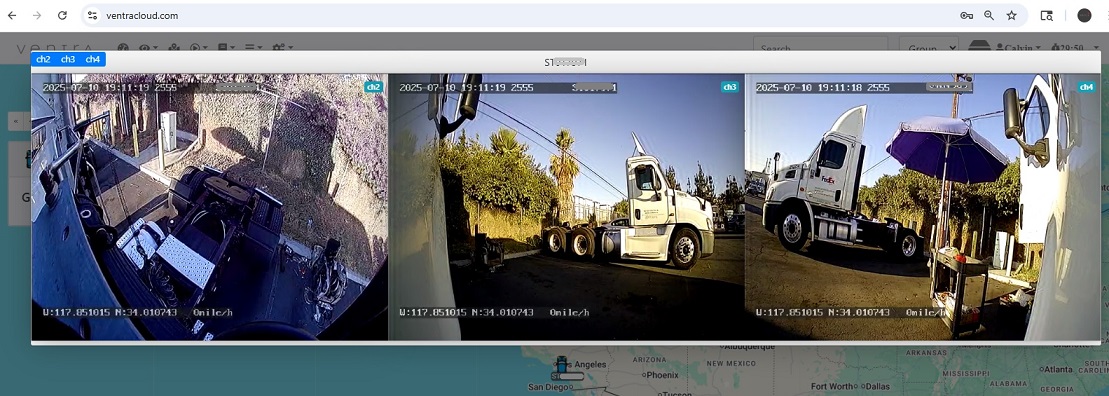
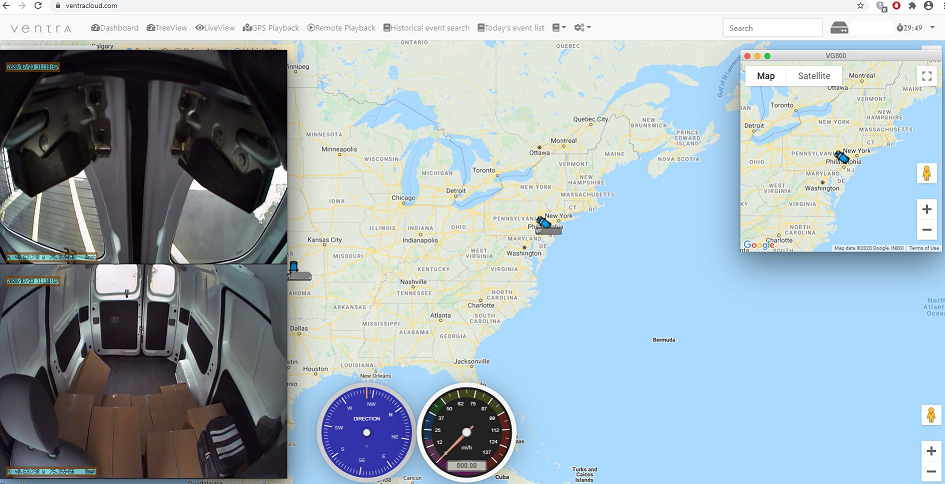
VentraCloud is commonly used to support operational review workflows such as incident documentation, route and stop verification, training and coaching reviews, yard activity review, and delivery exception analysis.
For fleets running multi-camera systems, cloud access can make it easier to retrieve side, rear, interior, or cargo-area camera context that a forward-facing camera alone may not capture.
ventracloud FEATURES
Event Videos
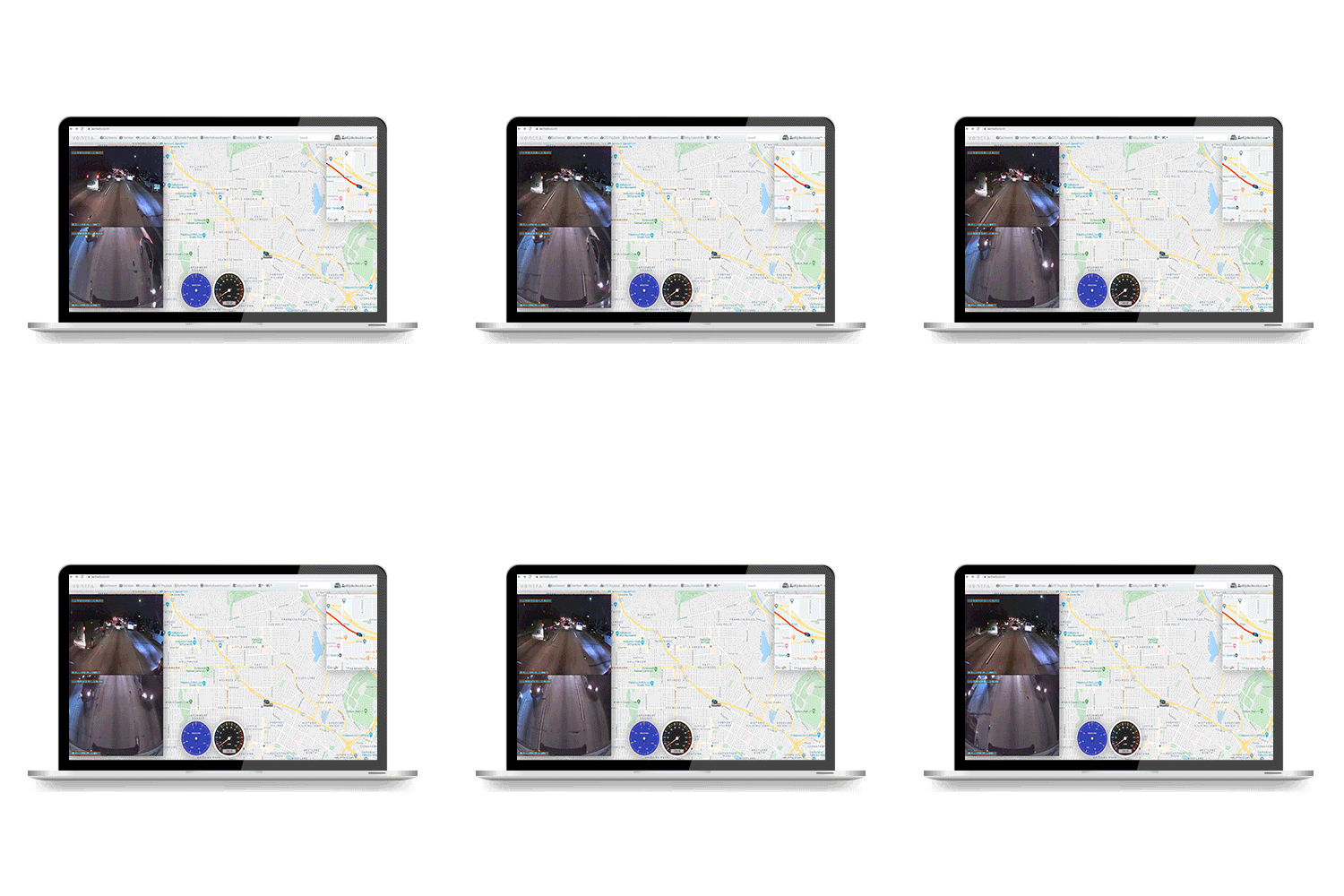
VentraCloud automatically upload event videos and related information from connected systems, giving teams faster access to important incidents without waiting to retrieve recordings from the vehicle.
Event Video Clips:
- Overspeed
- Impact
- External Alarm Inputs such as light, door sensor, PTO (when connected)
- FCW, Driver Distraction, Lane Departure (select models)
Event availability and retention depend on the connected system, configuration, and service plan.
GREATER FLEXIBILITY
Use VentraCloud across an entire fleet or selected vehicles based on operational need, helping teams scale cloud access while controlling recurring service costs.
FAQ
VentraCloud is Ventra Technology’s vehicle video telematics platform for commercial fleets using supported models of dashcams, NVRs, and vehicle recorders. It gives fleet teams remote access to live and recorded video, event footage, GPS history, and related vehicle activity for incident review and day-to-day operations.
VentraCloud is used by fleet, safety, operations, claims, and management teams across industries such as logistics, construction, school transportation, passenger transit, service fleets, and mixed commercial vehicle operations.
Yes. VentraCloud can support connected systems with multiple camera views, including forward, side, rear, interior, cargo-area, trailer-facing, and equipment-facing cameras, depending on hardware and installation.
No. Compatible Ventra dashcams and mobile NVR systems use local SD cards as the primary recording source, depending on the equipment. VentraCloud adds remote access, event review, GPS history, and centralized visibility where the system is connected and configured.
VentraCloud can help teams retrieve video, GPS history, event clips, images, and time-window context to support internal review of accidents, delivery disputes, cargo questions, and customer claims.
VentraCloud service is commonly offered in 6-month terms. Ventra gives fleets flexibility to add cloud access where needed without requiring every vehicle to be locked into the same long-term cloud plan.
VentraCloud is charged by system or vehicle, not by individual user. This makes it easier for fleet, safety, operations, and claims teams to access the platform without adding user-based fees.
Ventra does not charge by user. Access can be provided to authorized team members based on account setup, permissions, and internal fleet needs.
No. Fleets can choose which systems or vehicles need VentraCloud remote access. Some vehicles may use standalone local recording, while others may add cloud service for live viewing, event uploads, GPS history, and remote video review.
Still Have Questions?
Ventra systems can be used as standalone vehicle recorders or paired with optional VentraCloud service for live viewing, event video uploads, GPS history, remote playback, and fleet video telematics workflows.